
📌 Owner App Download Instructions
Click the button above to download the Owner App.
After downloading the owner.apk file, open it to begin the installation.
During installation, your device may display security warnings such as “Unknown app,” “This app may be harmful,” or similar messages.
This app is the official application for restaurant owners, so you may safely ignore these warnings and continue the installation.
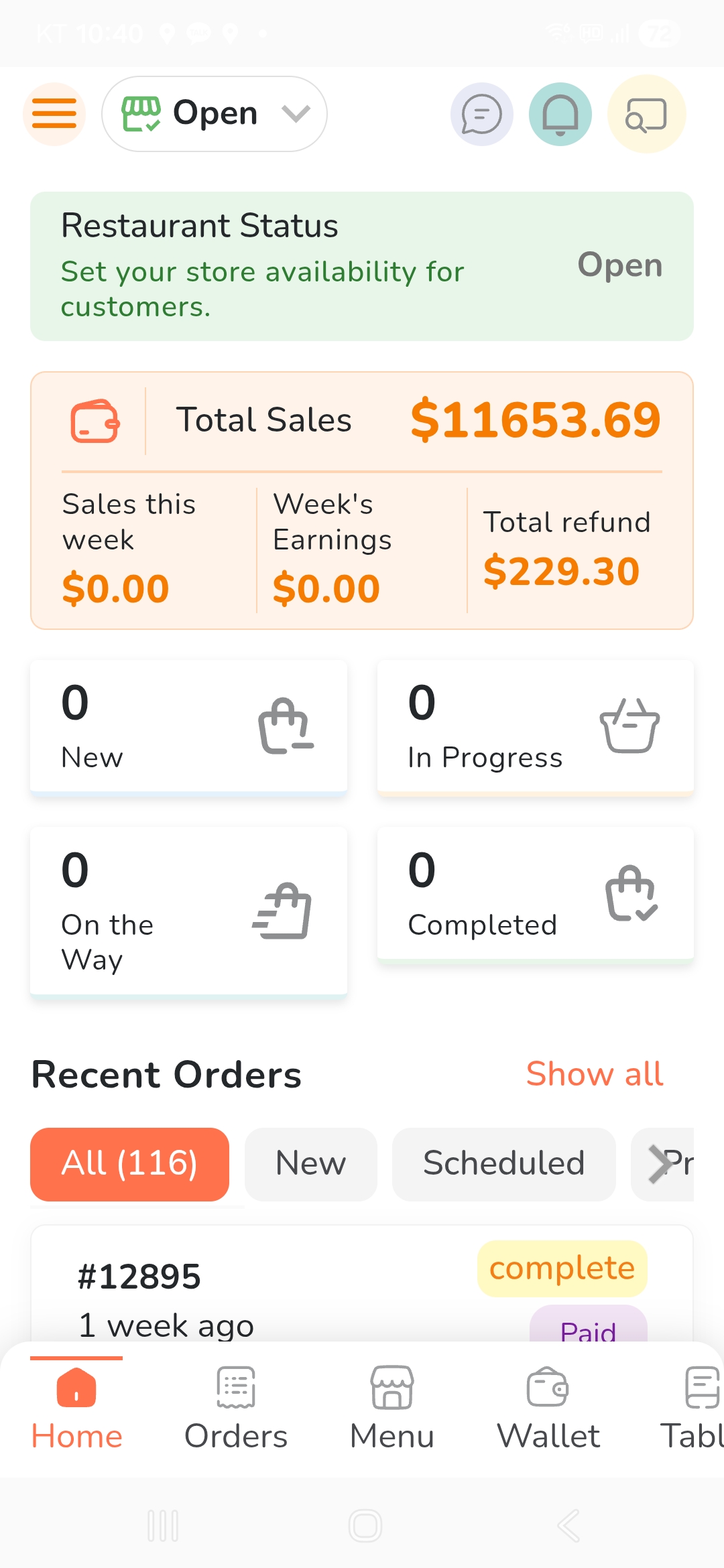
Once the installation is complete, simply launch the app and log in. You can start using it immediately.
After installing the app, you can see that an icon like the one above has been created on your tablet or mobile phone.
When you click the app icon, a screen like the one above will appear. Please select ‘Enabled Push.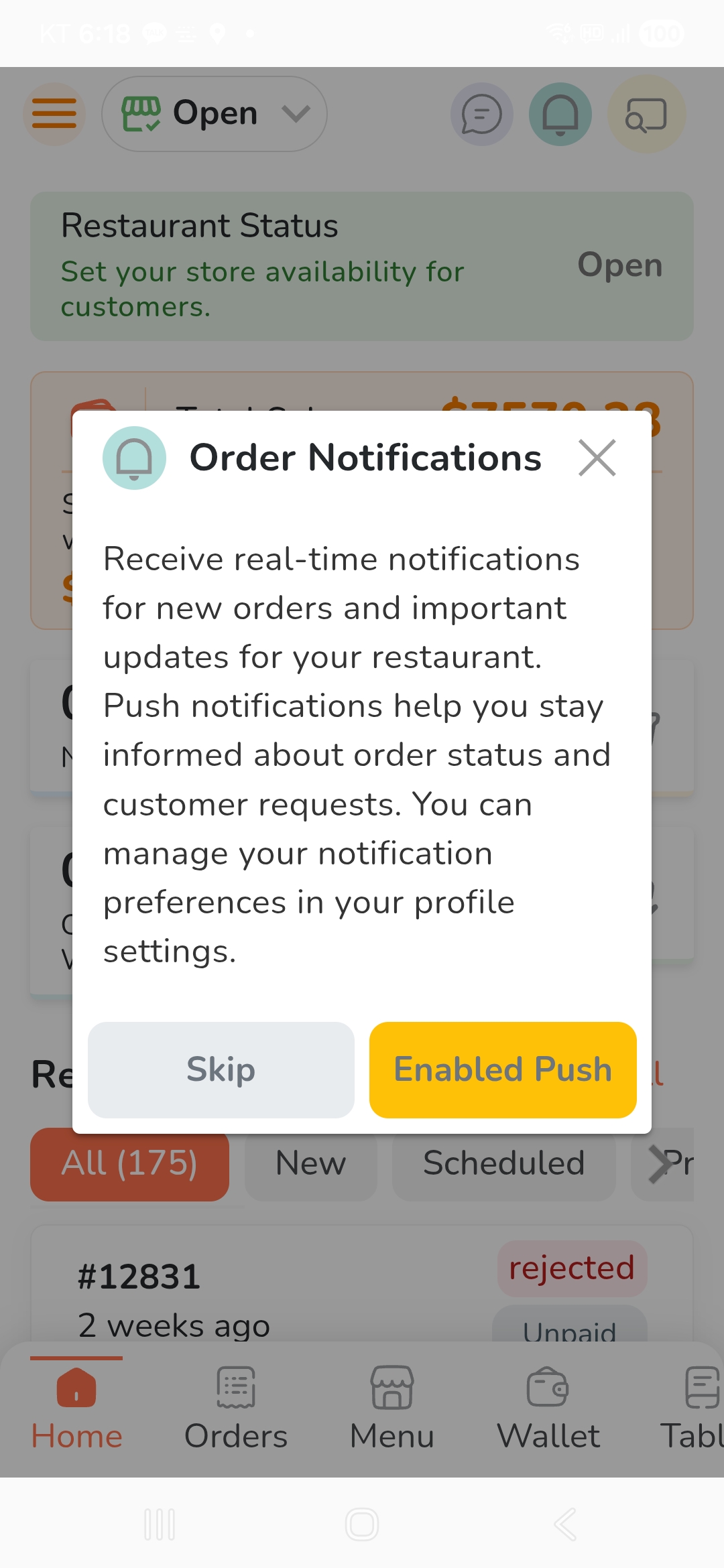
When you click the app icon, a screen like the one above will appear. Please select ‘Enabled Push.
 Check Orders in the Owner App — Video Demo